
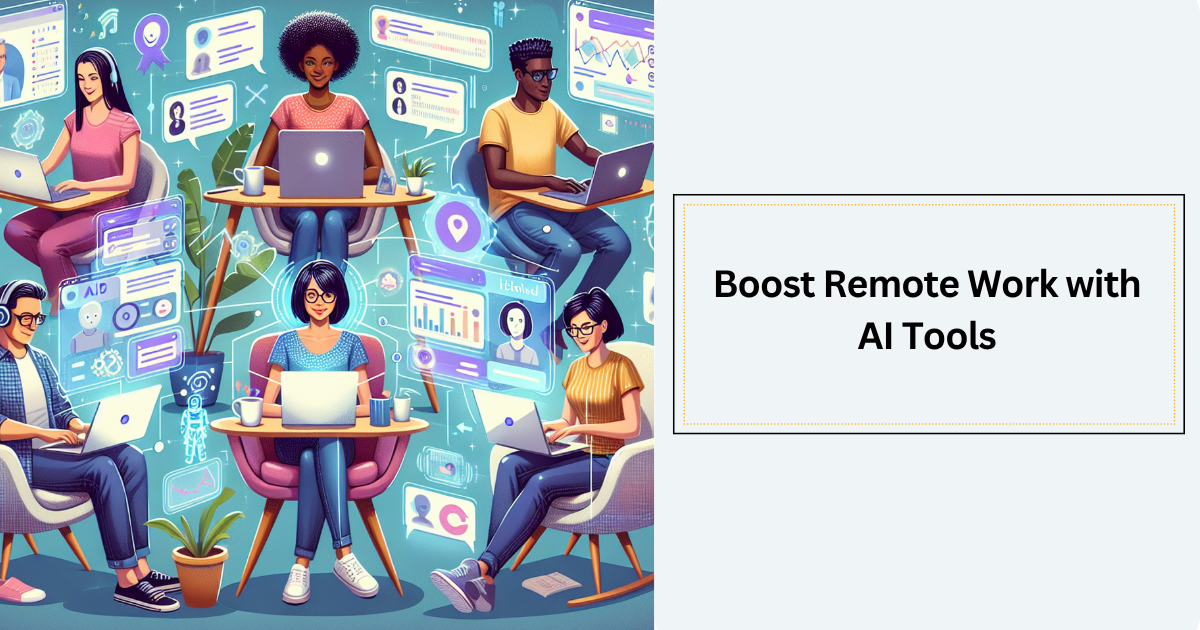

Working from home or any remote spot can feel freeing, but it also brings its own set of challenges. Have you ever found yourself juggling a million things, trying to keep track of meetings, tasks, and emails? It can get overwhelming. That’s where AI tools remote work comes in. These smart helpers use artificial intelligence to make remote work smoother, faster, and a lot less stressful. They can handle boring tasks, help with communication, and boost how much you get done each day.
Imagine having a teammate who’s always ready to take notes, schedule meetings, or even draft emails for you. AI productivity tools do just that—they are like invisible helpers working behind the scenes so you can focus on the important stuff. More and more companies are using these tools to work better remotely. In fact, a recent report shows that 88% of companies have adopted AI, and that number is growing every year. This kind of technology is changing the way we work, especially for hybrid teams who split their time between home and office. It’s time to see how AI tools remote work can make your day easier and your work more efficient.
How AI Tools Help You Save Time and Stay Organized
When you work from different places, keeping everything in order can be tricky. AI tools remote work make this simpler by handling repetitive and small tasks that usually eat up your time. They can write down meeting notes, schedule calls for you, or remind you about deadlines. This means you don’t have to juggle these kinds of tasks yourself. You get more time to focus on your big projects and creative ideas.
Some AI tools can work on their own to complete several steps of a task without needing you to tell them what to do next. This is called agentic AI workflows. Think of it like a smart assistant who not only takes your notes but also sends reminders, updates calendars, and pulls documents together—all without you needing to check every step. This kind of smart help boosts remote work efficiency because it cuts down on back-and-forth and keeps your workflow smooth.
What Makes AI Productivity Tools So Powerful for Remote Teams
AI productivity tools come packed with features that fit perfectly for people working remotely. One big feature is natural language processing—this means the AI understands and can write human language. So, it can help draft emails, write reports, or even chat with team members. It’s like talking to a helpful buddy who gets what you need.
Another key feature is automation and workflows. Instead of doing the same steps again and again, AI connects different apps you use. For example, when you finish a document in Google Docs, the AI might automatically share it in Slack and schedule a follow-up meeting. It’s like setting up a chain reaction that saves time.
These tools also remember your habits and learn from how you work. This context awareness means AI gives smart, personalized suggestions without asking for the same instructions repeatedly. Plus, because remote teams often work at different times, AI tools support real-time collaboration by working 24/7. This makes it easy to stay connected, no matter where or when your teammates are working.
Different AI Helpers Every Remote Worker Should Know About
There’s a whole world of AI tools remote work teams can use, and they come in different types depending on what you need.
- Some are AI agent builders, like Botpress and Zapier Agents. These let you create custom AI assistants that take care of multiple tasks in one flow. They handle complex processes so you don’t have to.
- AI chatbots, like ChatGPT and Claude, are great for quick answers, writing help, and brainstorming. If you need a draft email or some fresh ideas, these chatbots jump right in.
- When it comes to finding information fast, AI search engines like Perplexity and Gemini give clear answers with sources, saving you from endless Googling. This is a big help when you’re researching or preparing reports remotely.
- For making your writing shine, tools like Grammarly polish your emails and documents by catching grammar mistakes and suggesting better ways to say things. Jasper also helps create content quickly, which is perfect for marketing or reports.
- Visuals matter too. Tools like Midjourney and Descript help create images and videos to make your remote presentations or social media stand out without needing a graphic designer.
- Keeping your team’s knowledge in one place is simpler with AI-powered hubs like Notion and Evernote. They organize info so everyone stays on the same page, which is especially important for hybrid teams juggling multiple projects.
- Project and task management get a boost from ClickUp and Motion. These use AI to schedule, prioritize, and balance workloads so no one is overwhelmed and deadlines stay on track.
- Finally, meeting assistants like Vibe Bot, Fireflies, and Otter lift the burden of note-taking by recording, transcribing, and summarizing meetings. Vibe Bot even works as a smart device in conference rooms, capturing everything without needing a computer. If you want to explore more about how AI-powered meeting assistants can transform your workflow, check out our article on AI-powered website business trends for 2025 which highlights some of these innovative tools.
Why Using AI Tools Can Make Your Remote Work More Fun and Productive
Having AI tools on your side means those boring or repetitive tasks are no longer stealing your energy. By letting AI handle these, you can focus on creative and meaningful work you enjoy more. It’s like having more hours in your day without actually working longer.
Studies back this up. McKinsey reports that AI has the potential to boost productivity significantly across industries. When AI is built into tools you already use, it means you spend less time switching between apps, which keeps your focus sharp.
This smoother workflow lets hybrid teams stay connected and efficient, whether someone is at home, in the office, or on the go. AI productivity tools handle the busywork so your team can do the real work.
Tips to Start Using AI Tools in Your Remote Routine
Starting with AI tools doesn’t have to be overwhelming. It’s best to begin with one or two tools that solve a big pain point for you, like transcribing meetings or fixing grammar in emails. Small wins build confidence and show clear benefits fast.
Make sure the tools you pick work well with apps you already use. This way, you don’t have to change everything to get started. It also helps your team adopt the technology more easily without frustration.
Encourage your team to learn and explore AI together. When everyone feels comfortable, the whole group can benefit. It’s also important to look at the results regularly and adjust how you use AI to make it even more helpful over time.
What Does the Future Look Like for AI in Remote Work?
AI is still growing and will keep getting smarter. In the future, AI agents will make more decisions on their own, balancing complex tasks without human help. This means even less busywork and faster results.
AI will also get better at understanding how teams feel and work together, suggesting actions to keep projects on track and improving team harmony. Personalized learning and wellness tools powered by AI will help remote workers stay balanced and healthy, making remote work kinder on the mind and body.
Stronger security features will protect all this smart technology, ensuring your work stays safe no matter where you are.
How AI Helps Keep Your Work-Life Balance in Check
One of the best things about AI tools remote work is how they take care of small, forgettable tasks. Meeting assistants remember who needs to do what and remind you so nothing slips through the cracks. This lightens your mental load and lowers stress.
With less worry about calendar chaos or missing deadlines, you can enjoy more free time. AI helps create a better balance between work and life, which is so important when your office is also your home.
Quick Answers About AI Tools for Remote Work
AI productivity tools are just software helpers that use artificial intelligence to do repetitive or tricky tasks.
They improve team communication by helping with writing, organizing, and sharing information faster.
AI doesn’t replace people. Instead, it makes workers more productive and frees them to focus on important jobs.
If you want to know more, check out helpful guides like Vibe’s AI productivity tools article or McKinsey’s reports on AI adoption.
Exploring AI tools remote work is a powerful way to boost how your team works together, no matter where you’re located.
Ready to make your remote work easier and more productive? Try out some AI tools and see how they can change your workday for the better. Scheduling a demo for tools like Vibe Bot can be a great first step to experience smoother meetings and better teamwork. With AI by your side, remote work feels less like a challenge and more like an opportunity.